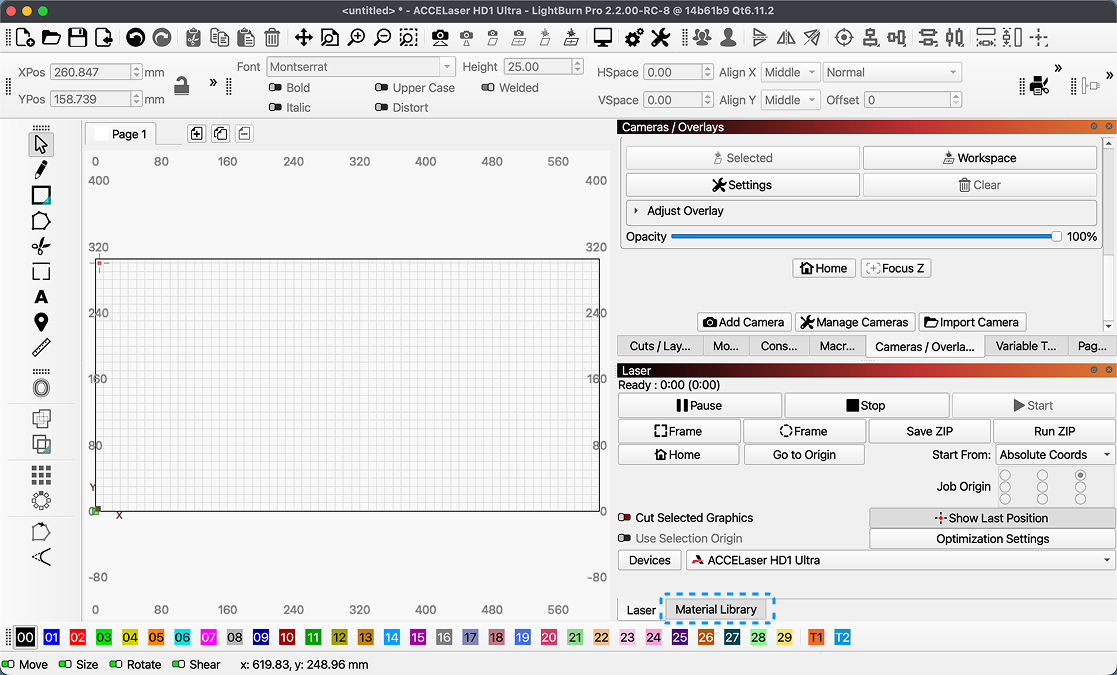
¶ Before You Begin
You can use ACCELaser Assistant (Assistant for short) to help connect the machine to LightBurn and configure the basic parameters. We strongly recommend exporting the machine configuration from Assistant. Click here to jump to Connect HD1 with ACCELaser Assistant.
If you prefer another method, you can also configure the machine manually by following LightBurn's own documentation.
¶ Export the Machine Configuration from Assistant
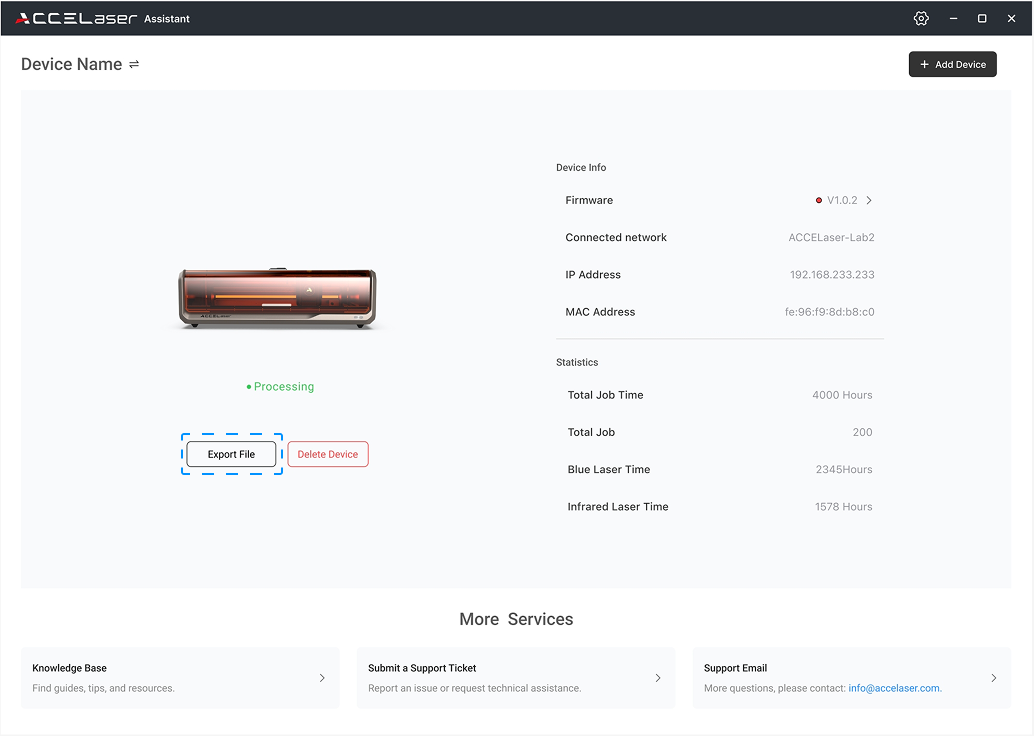
Click the Export File button to export the machine's LightBurn configuration.
¶ Import the Machine Configuration in LightBurn
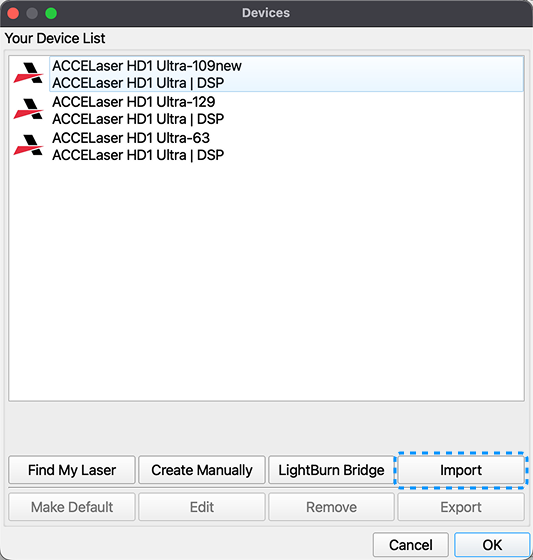
- Click the Devices button.
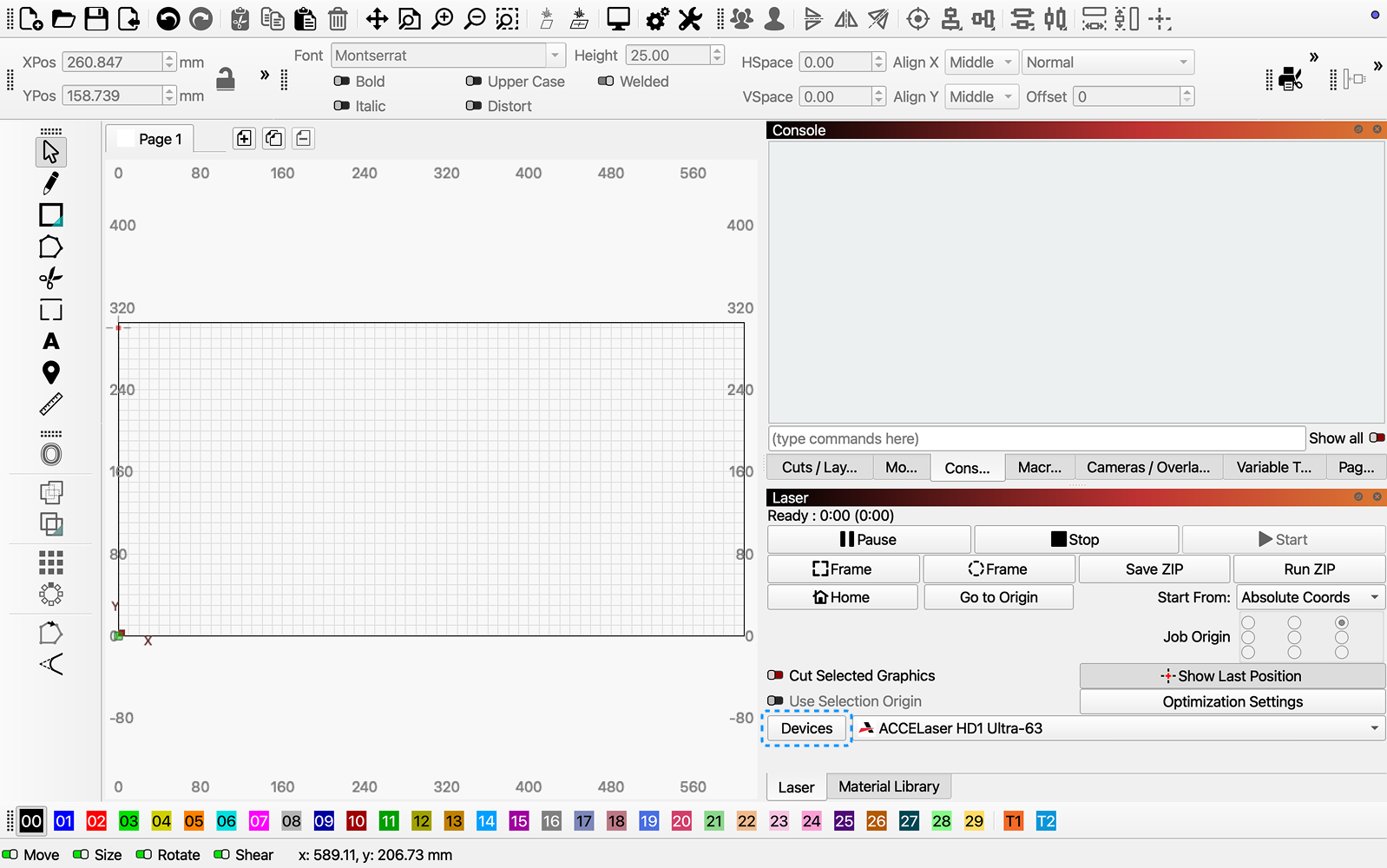
2. Click Import and select the file you just exported from Assistant.
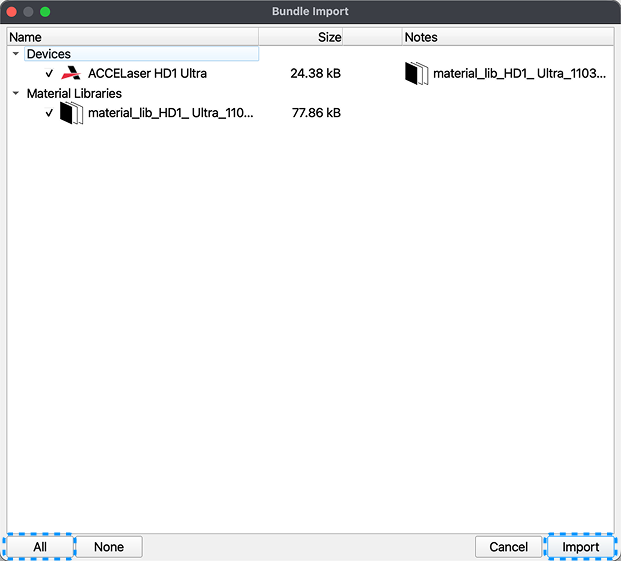
3. Select all the options and click Import.
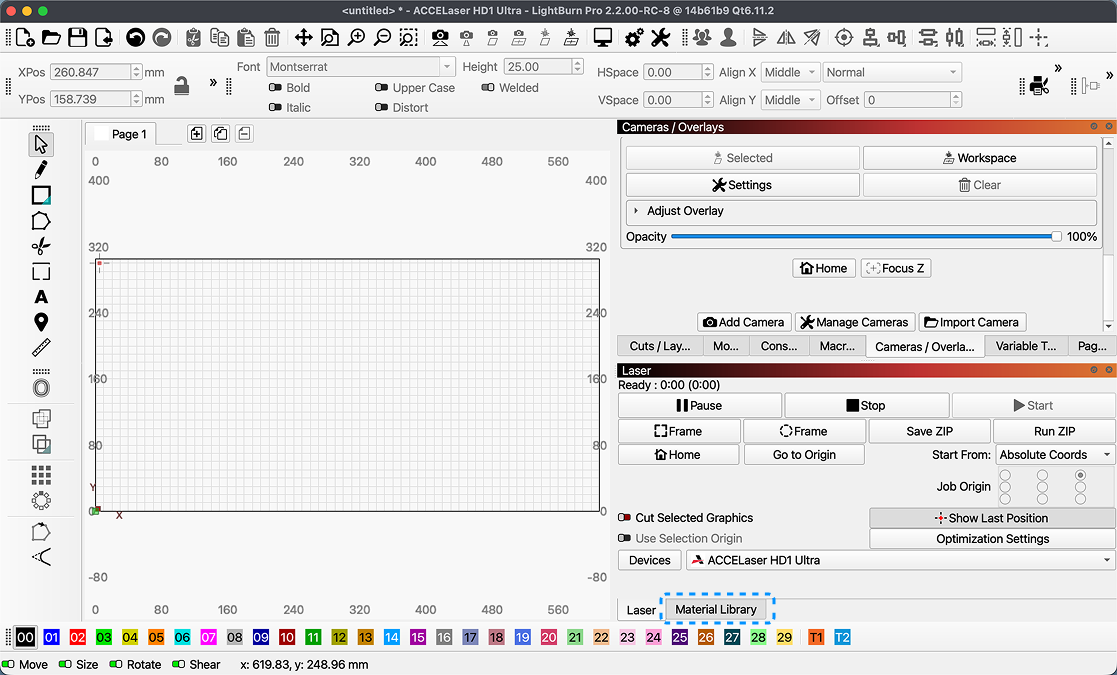
4. Click the drop-down next to Devices and switch to the machine you just added.
¶ Confirm the Connection
Switch to the Console window. A message reading "HELLO from ACCELaser HD1 VERSION: x.xx.x" means the machine is connected successfully.
¶ Add the Material Library
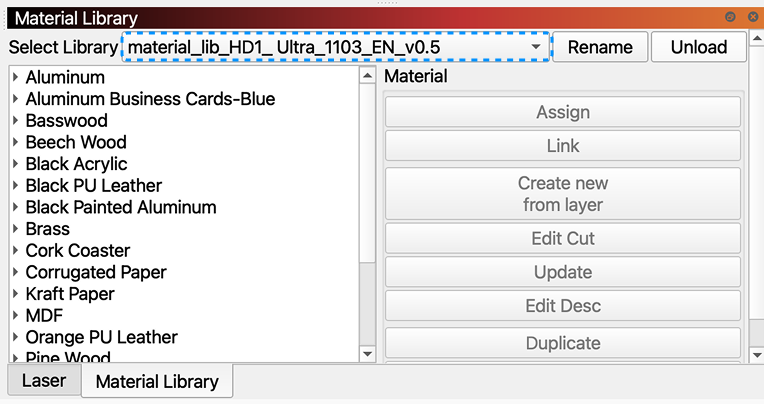
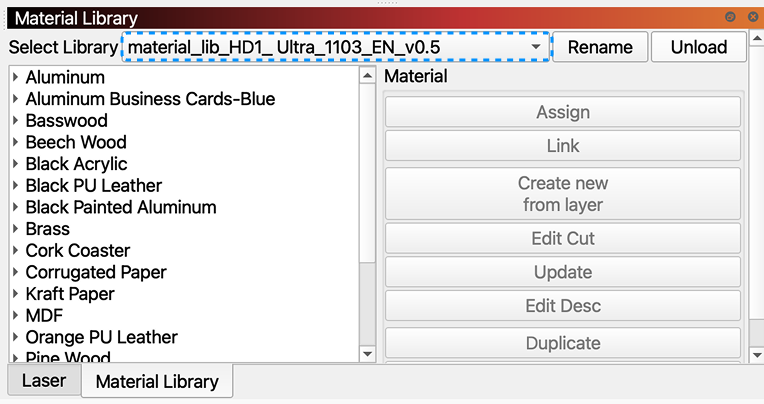
Open the Material Library panel, click the Select Library drop-down, and choose the imported HD1 library.